CrossOver is the most popular way to play Windows games on macOS and we have a coupon code for you to save 15% on your order:
Coupon code: MACGAMERS15
Note: We earn a small commission when you buy CrossOver using our coupon code or affiliate link, which is used to help support the MacGamers.org website.
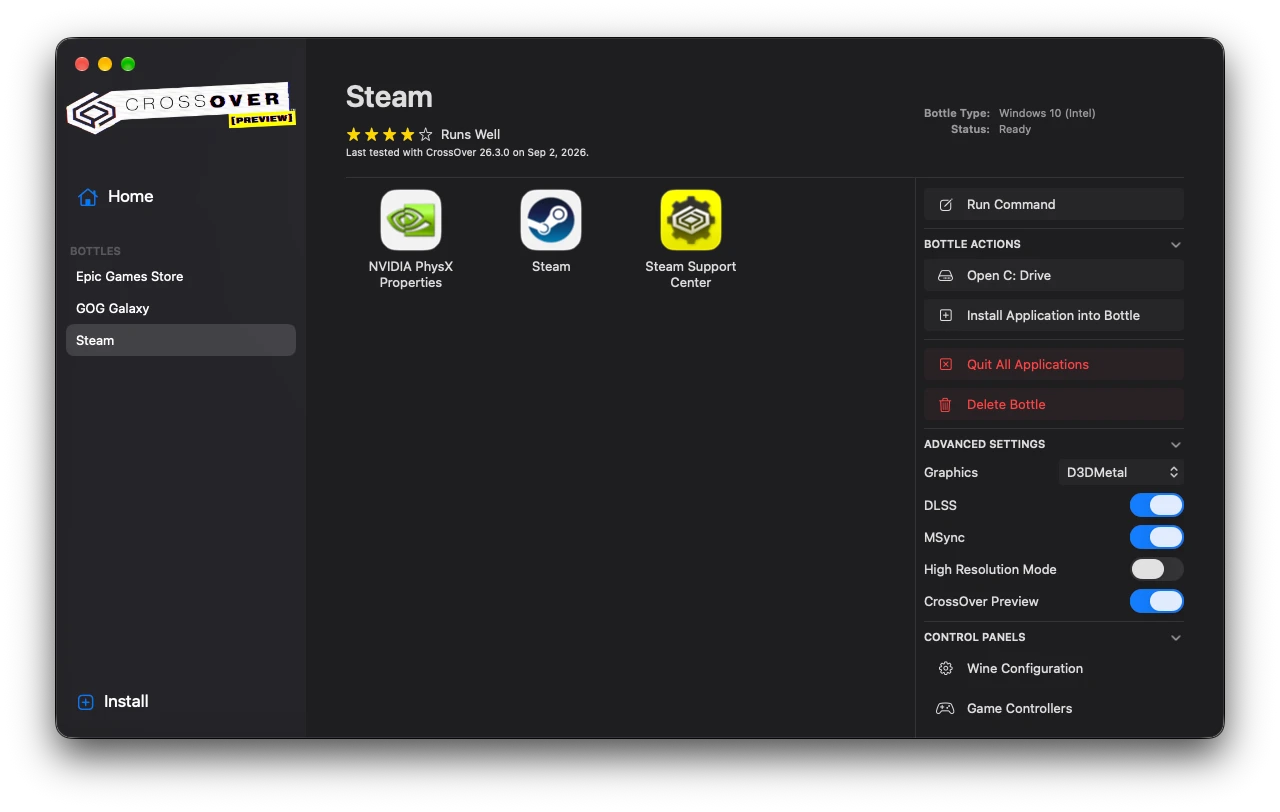
How to Use CrossOver
- Download the CrossOver macOS application and copy it to your Applications folder.
- Launch CrossOver and install Steam, Epic Games Store, or GOG Galaxy.
- Run the game store you installed and install the game you want to play.
- Start the game and play.
Check First
You can check beforehand if the game you want to play has already been tested, just in case it was and isn’t playable: